Excel & Google Sheets Employee Roster Template – 4-Week Shift Planner
Excel & Google Sheets Employee Roster Template – 4-Week Shift Planner
Couldn't load pickup availability
🌟 Plan Shifts Easily with Our Excel & Google Sheets Employee Roster Template
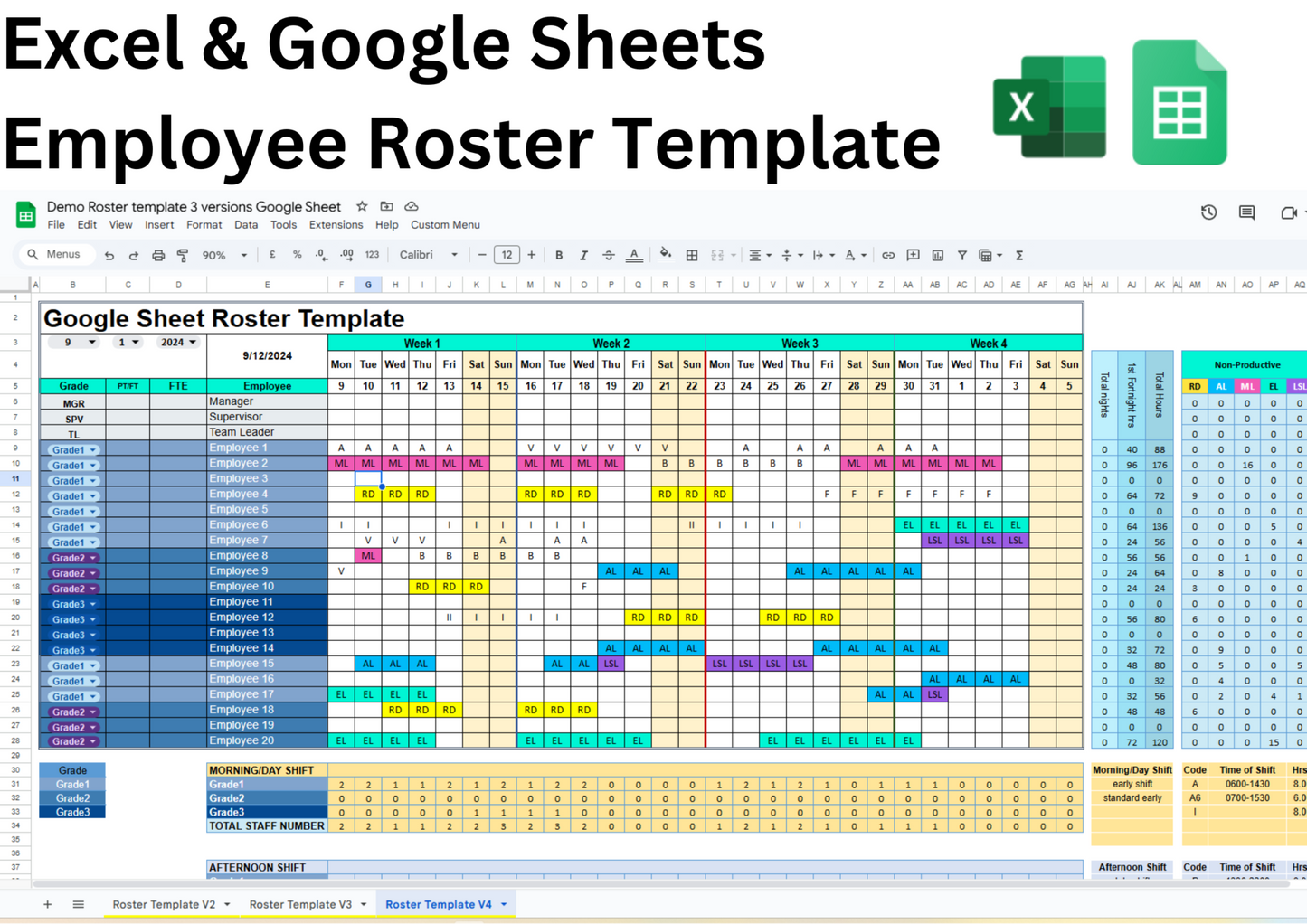
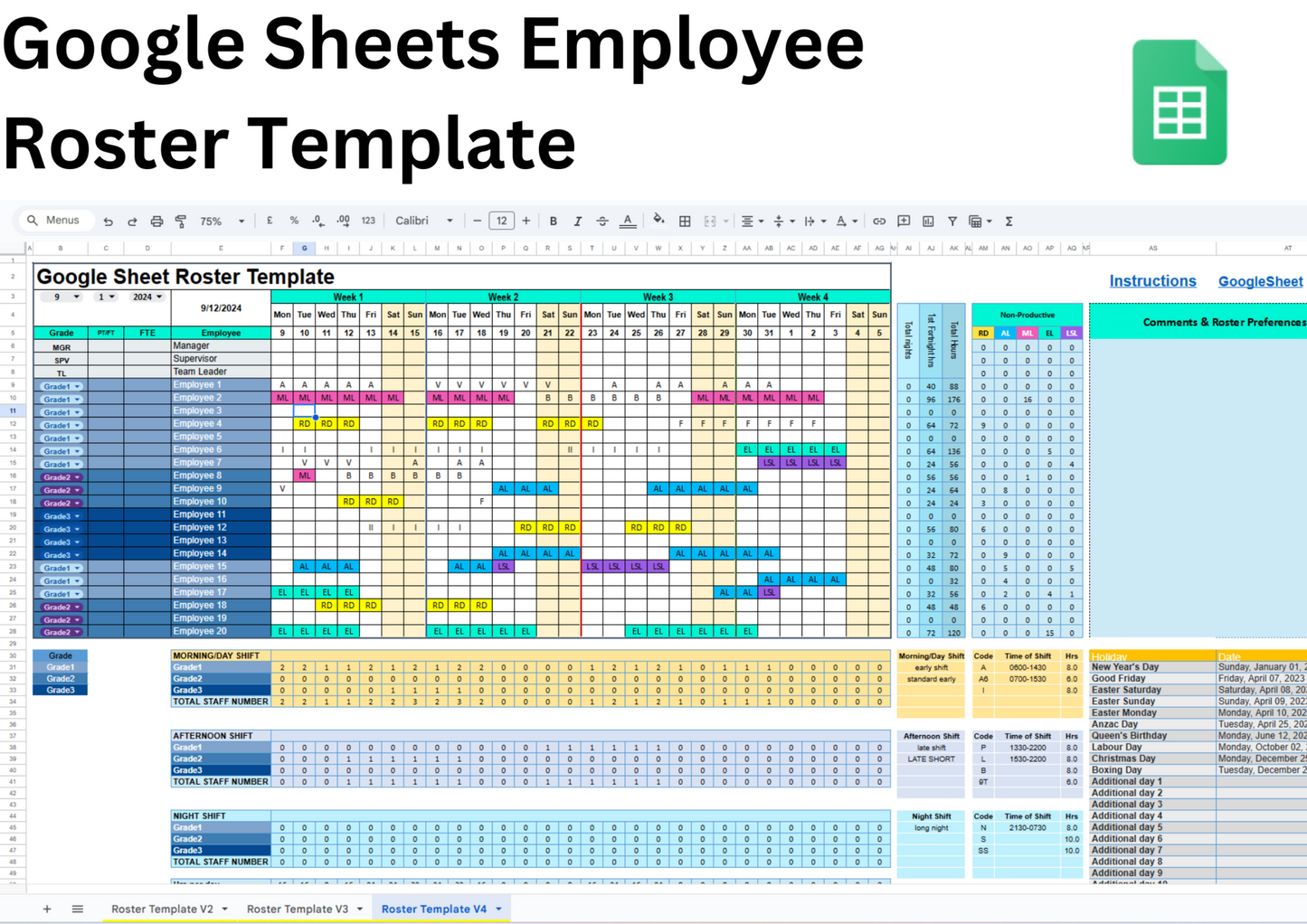
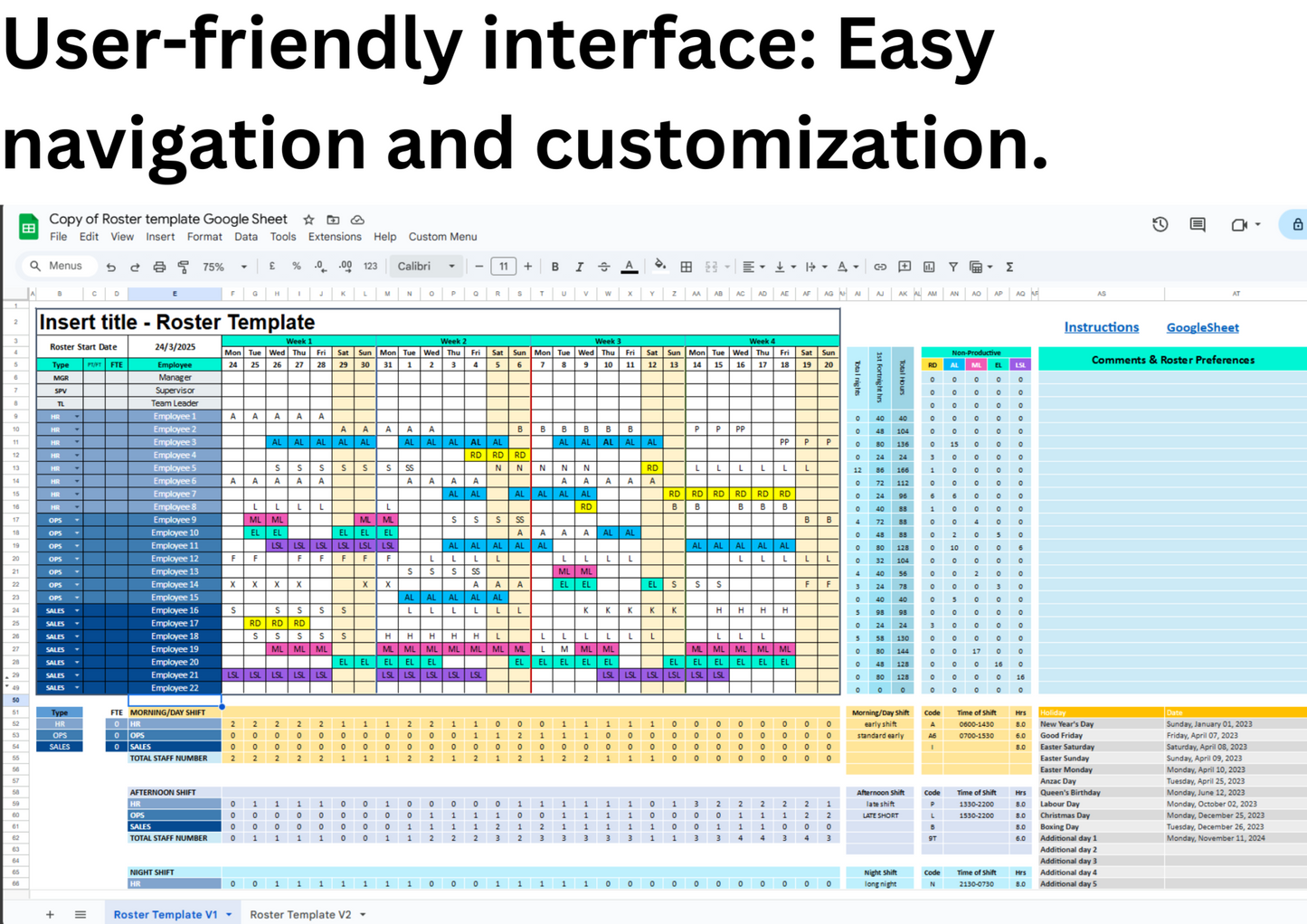
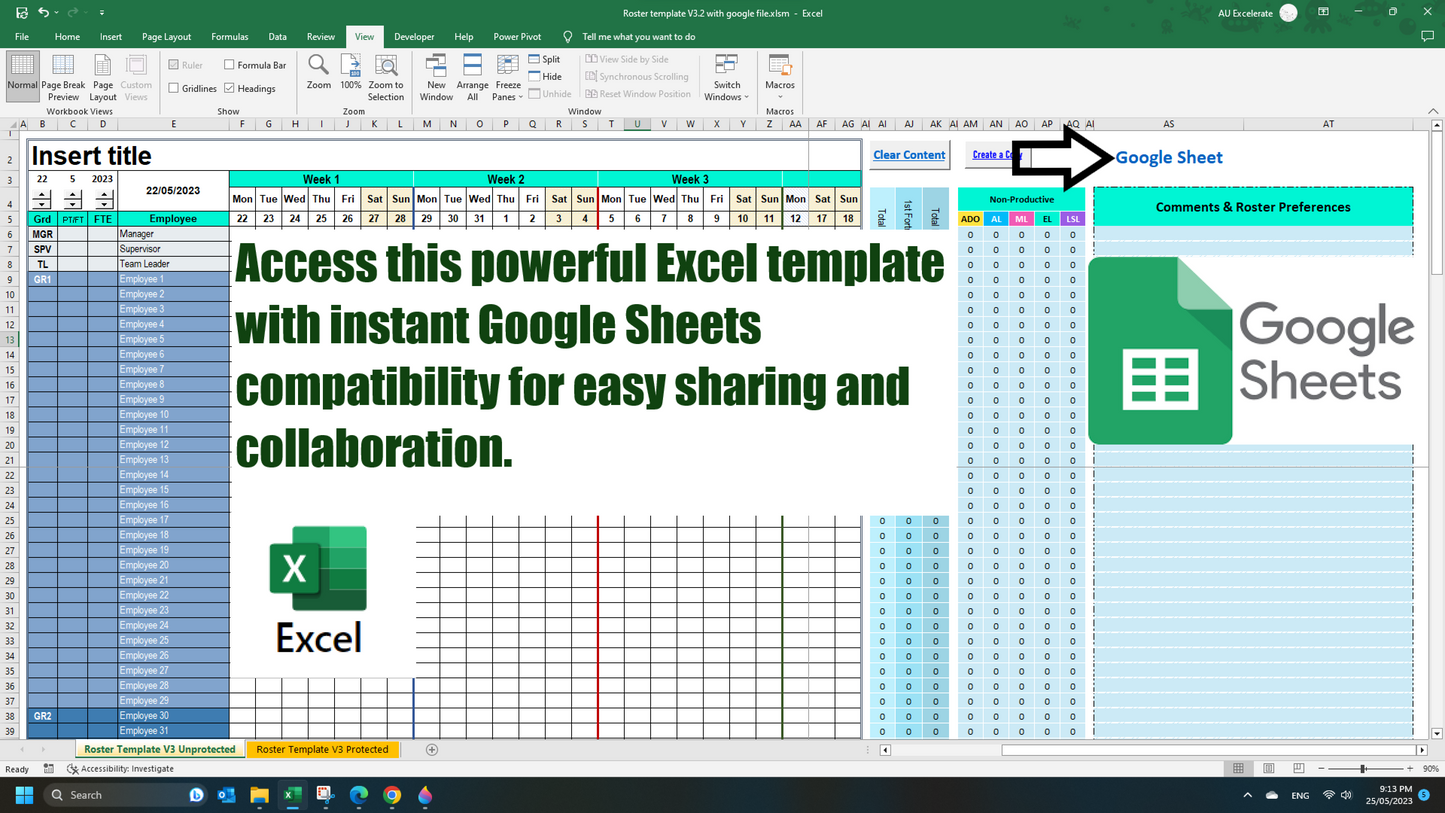
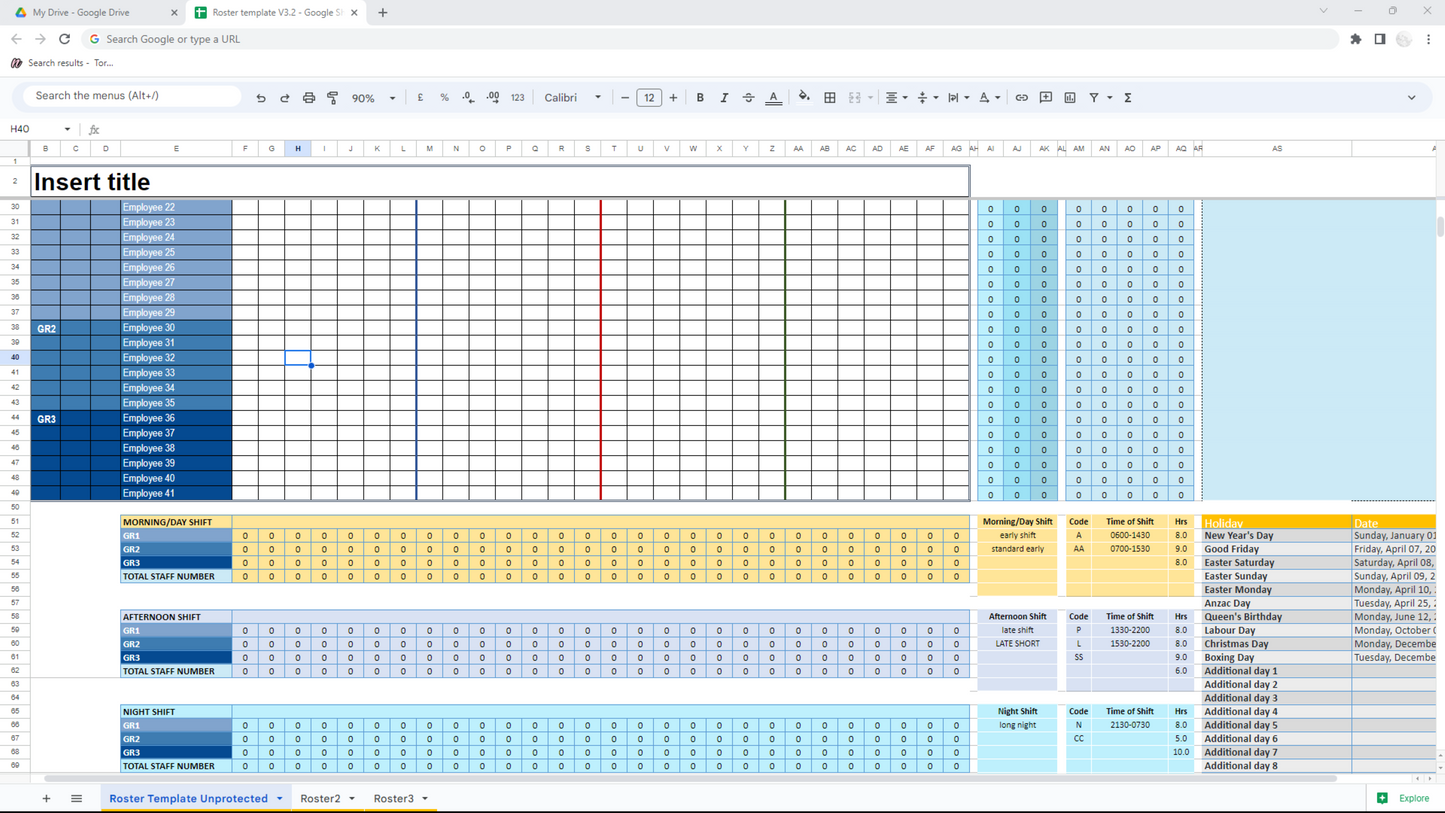
Manage staff schedules effortlessly with this versatile 4-week roster template, compatible with both Excel and Google Sheets. Perfect for healthcare, retail, hospitality, and more—streamline your workforce planning with dynamic calendars, customizable shift codes, and automated calculations.
📽️ Watch the video on YouTube: https://youtu.be/mfZtuQ_NNJA
🌟 Our Employee Roster template comes packed with features to help you stay organized and on track. Here are some of the key features:
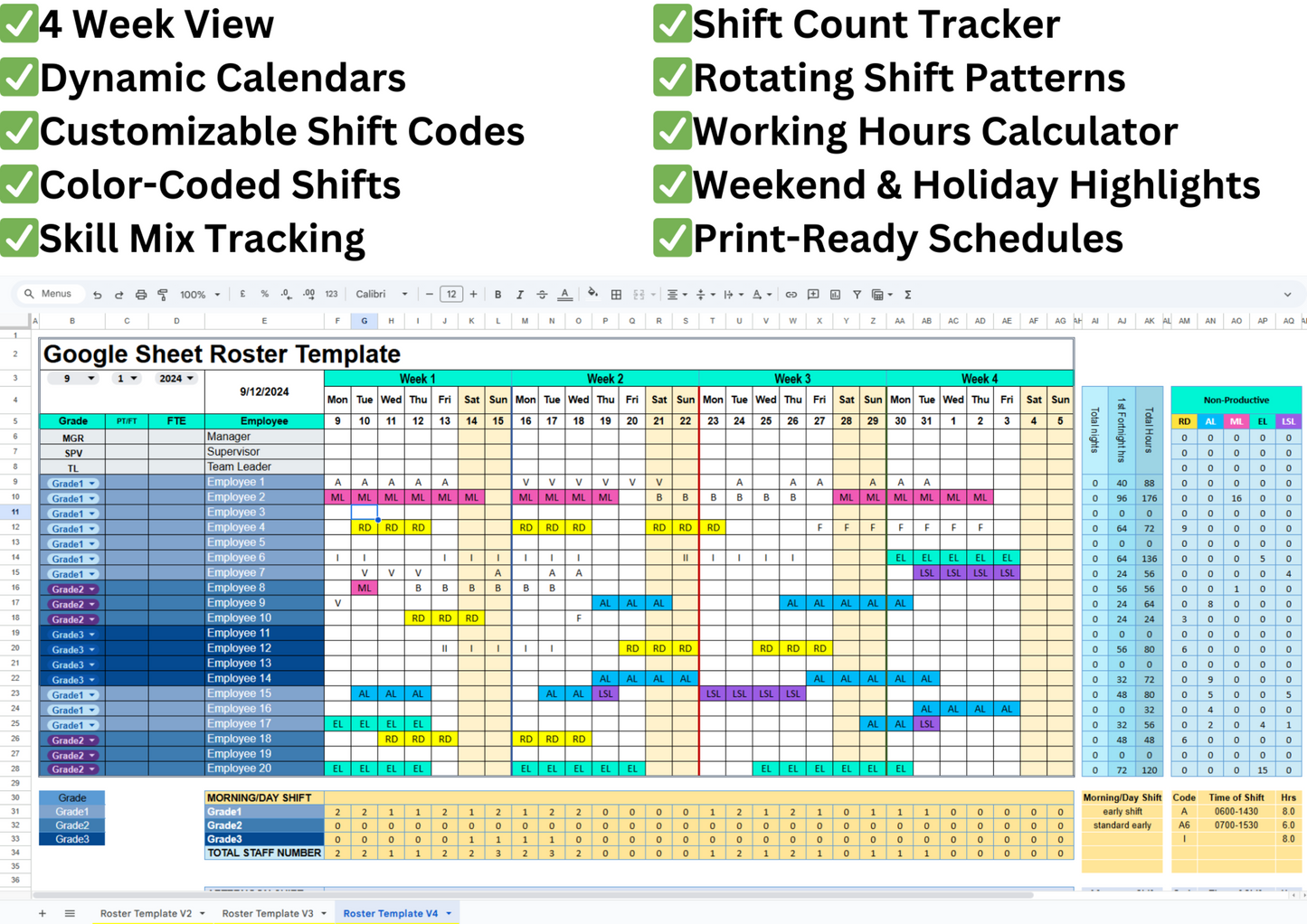
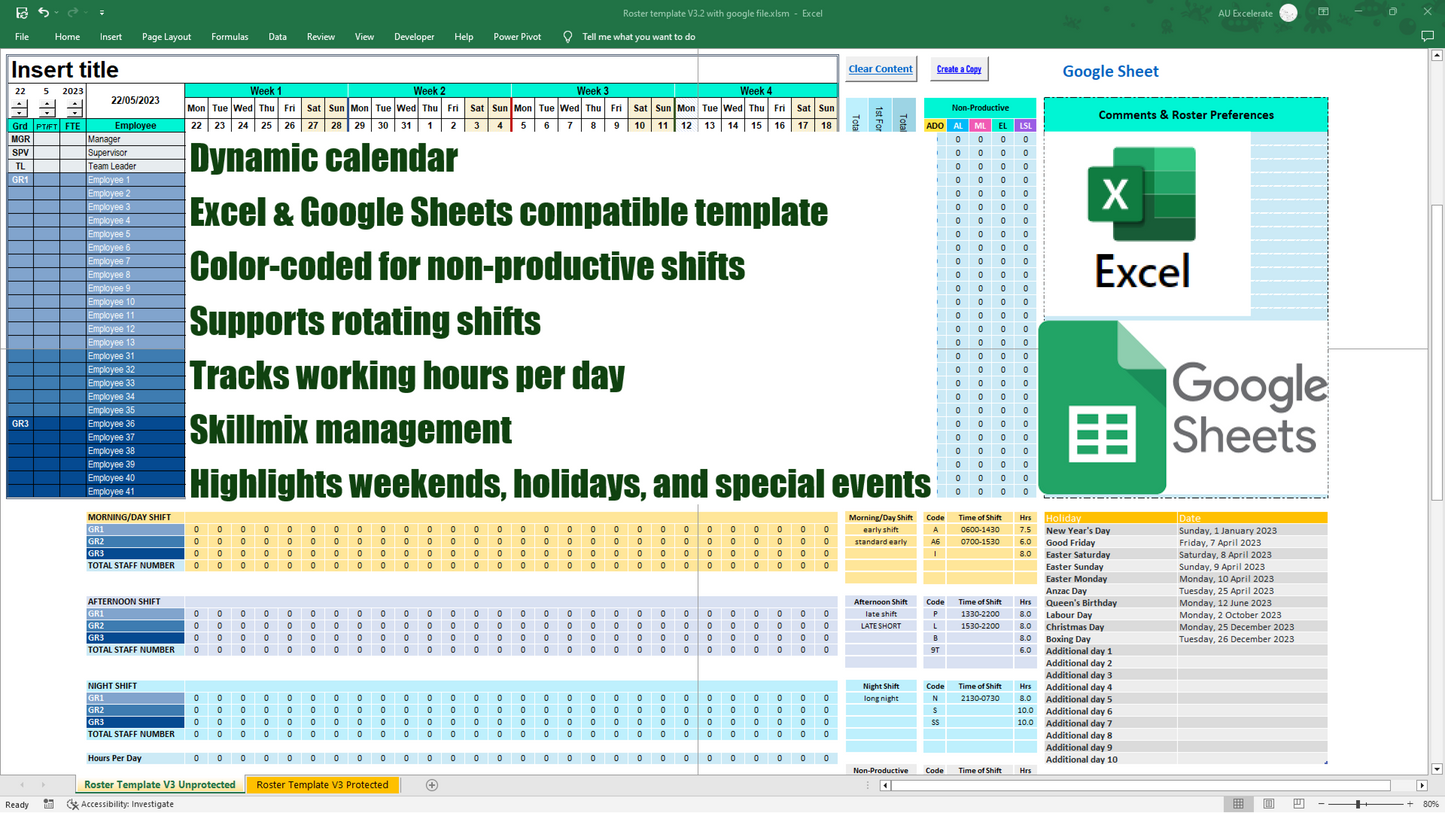
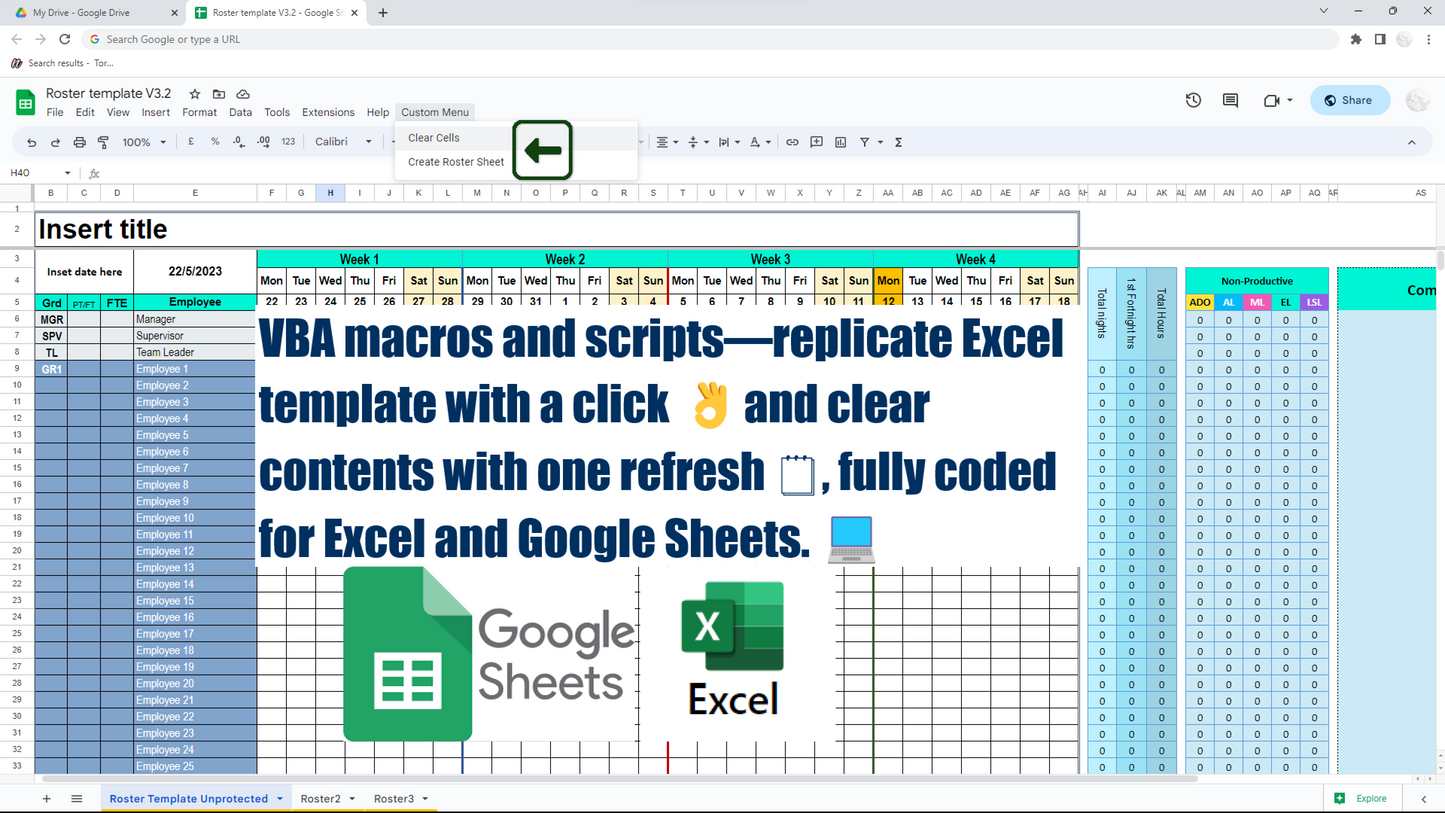
📆 Fixed 4-Week Employee Roster Template with Adjustable Start Date: This Google Sheet and Excel-based staff scheduling template is designed with a fixed 4-week layout, ideal for short-term workforce planning. Simply select your preferred start day, month, and year, and the calendar will populate the 4-week period accordingly. Whether you're planning by pay cycle, rotation block, or operational period, this tool ensures consistent scheduling without needing to adjust the calendar structure.
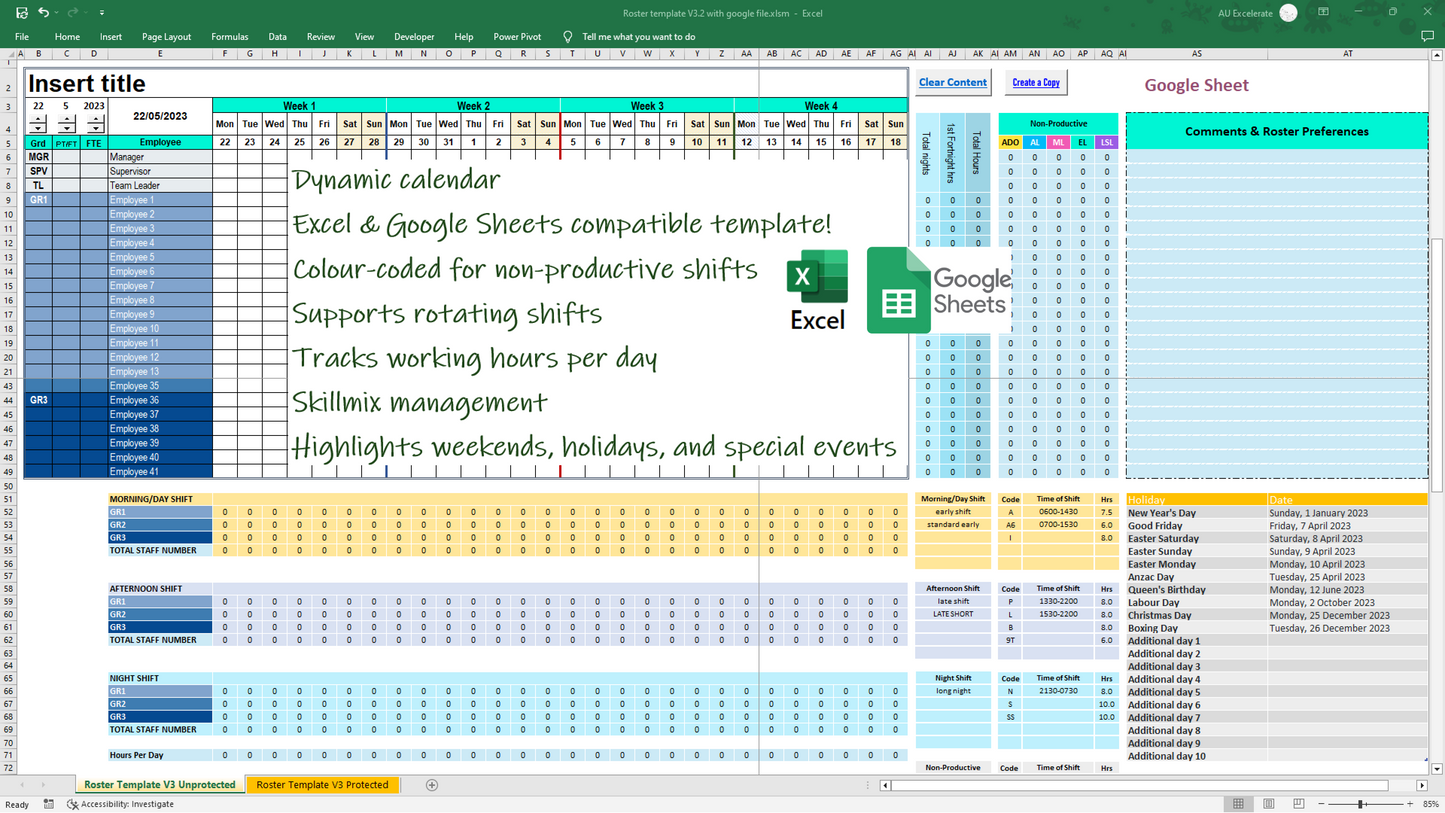
📅 Dynamic Calendars: Automatically adjust to the current month and year for seamless planning in your employee scheduling.
🧑🤝🧑 Skill Mix Tracking: Customize employee types and grades with color-coded highlights for clear differentiation in your staff roster.
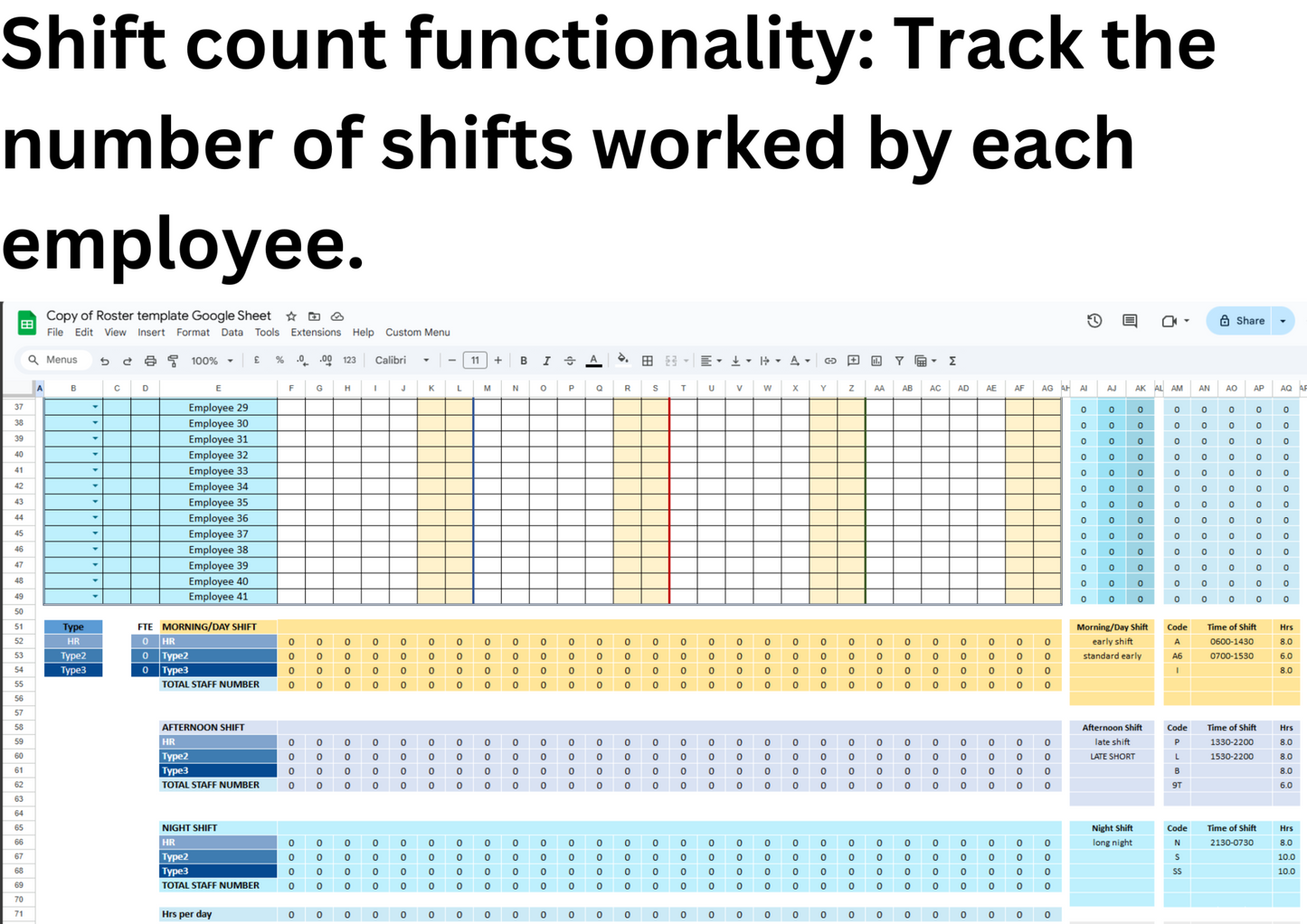
📊 Shift Count Functionality: Monitor shifts worked by each employee and manage qualifications and skill sets effectively using our work schedule template.
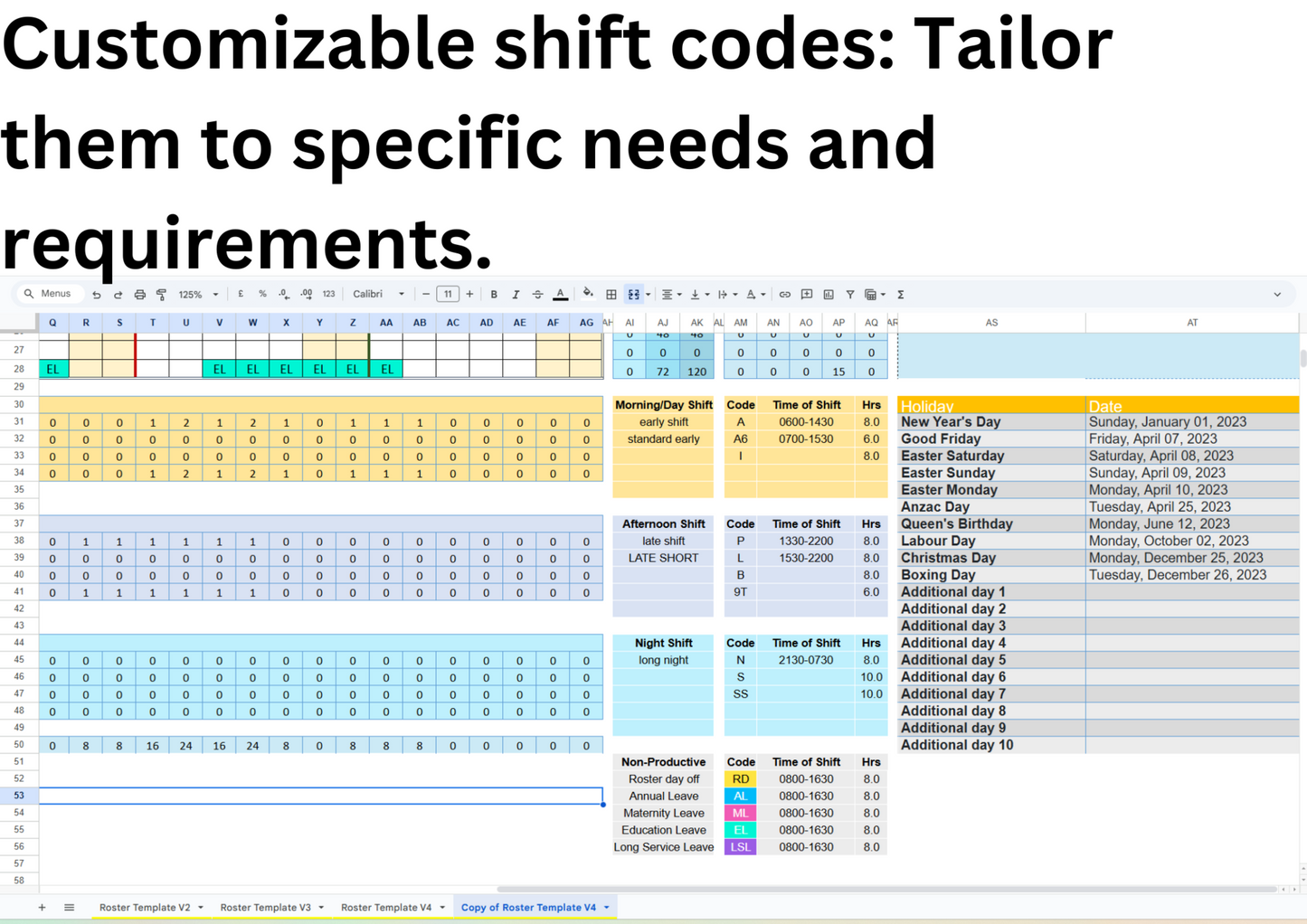
🔤 Customizable Shift Codes: Tailor shift codes to meet your organization's specific requirements with this Excel scheduling tool.
🎨 Color Coding for Non-Productive Shifts: Highlight various leave types, such as maternity, annual, and long service leave, with customizable colors in your employee schedule planner.
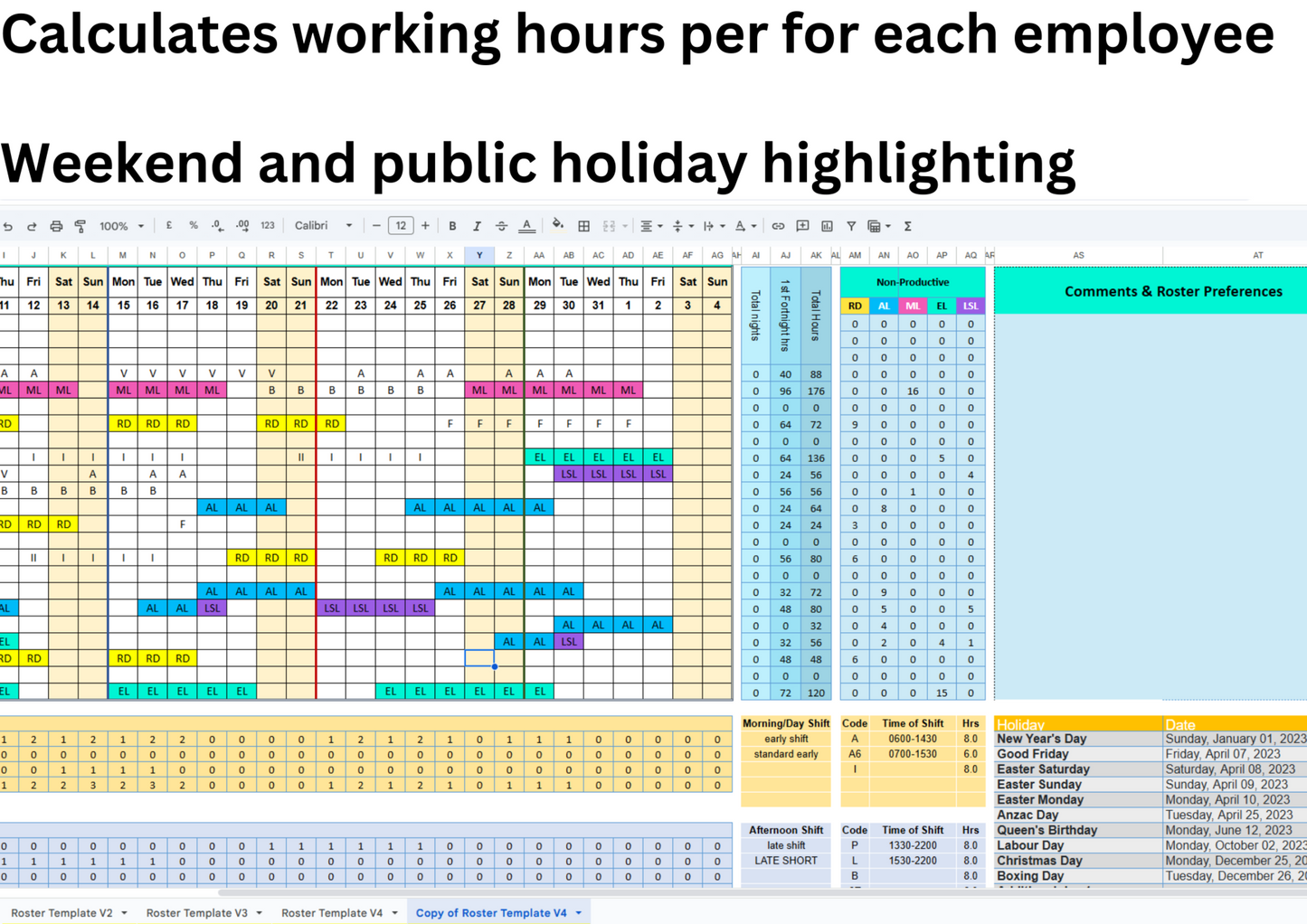
📆 Weekend & Public Holiday Highlighting: Automatically highlight weekends and mark important dates according to your department's needs in this staff scheduling spreadsheet.
⏱️ Working Hours Calculator: Customize shift codes and durations to automatically calculate daily hours for each employee in your workforce management template.
🔄 Rotating Shift Patterns: Support for morning, afternoon, and night shifts to accommodate diverse schedules with our employee shift planner.
🏢 Industry Versatility: Ideal for healthcare, retail, hospitality, and more, adapting to various sector needs with this employee scheduling template.
🔄 Fresh Start Each Month: Clear data and reset the template with a single click for monthly planning in your staff schedule spreadsheet.
🖨️ Print-Ready Schedules: Generate polished, print-ready schedules for easy distribution to your team using our Excel schedule maker.
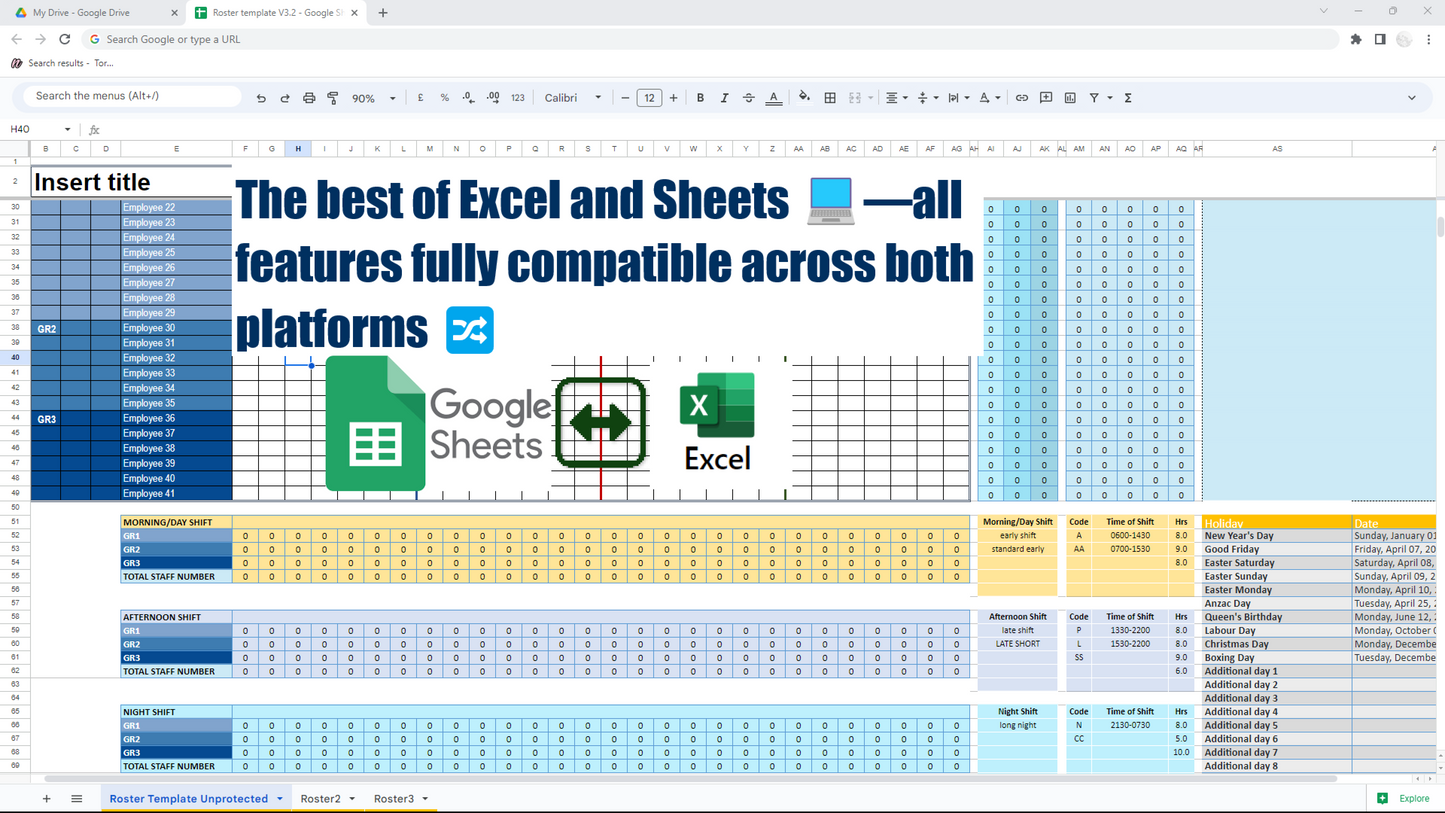
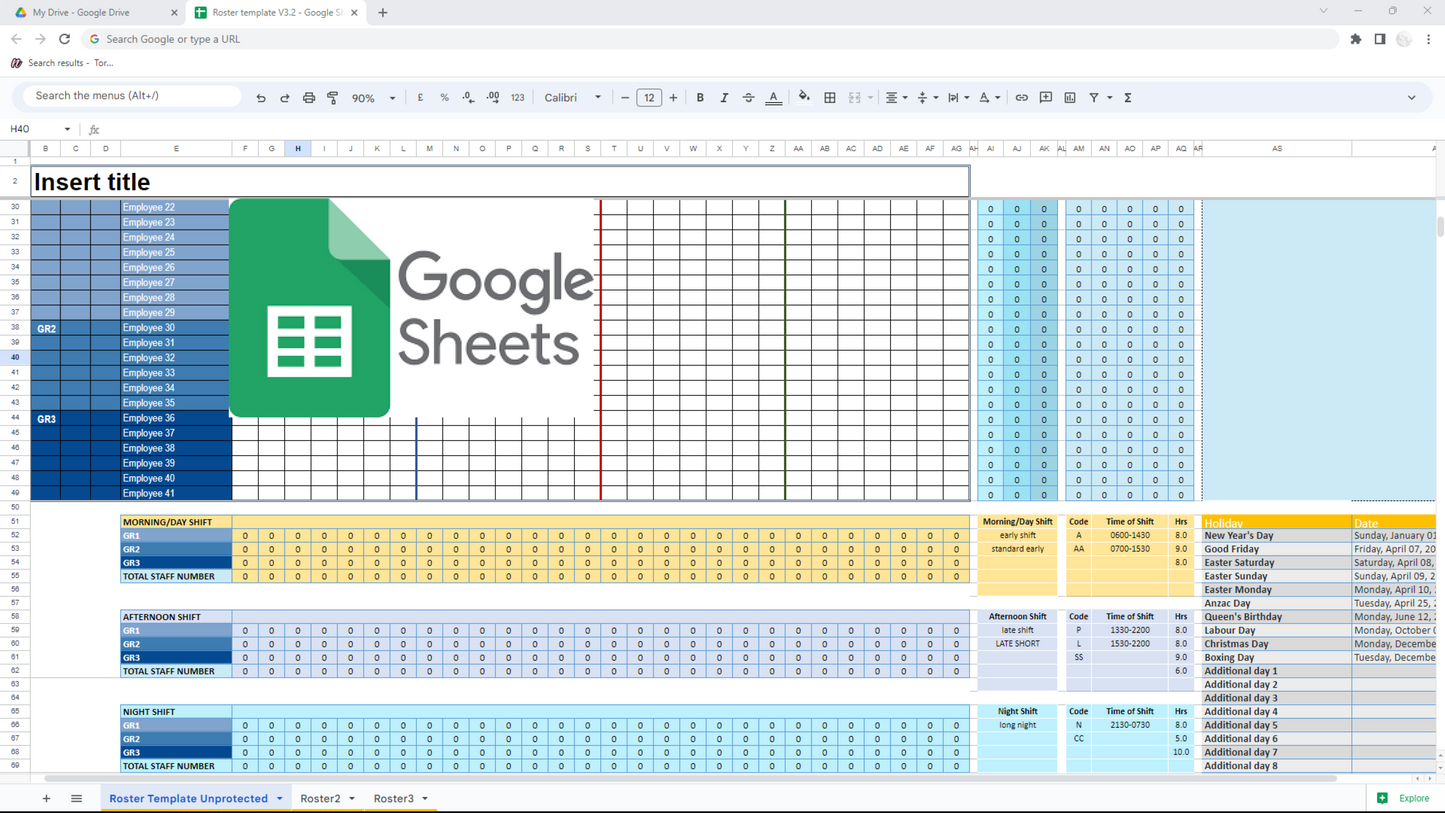
✅ Compatibility: Fully compatible with both Excel and Google Sheets, providing seamless integration and access.
What You'll Get:
✅A digital download file in Excel format with Google Sheets version included, accessible through an embedded link in the Excel file.
Perfect For
- HR Managers
- Team Leaders
- Small Business Owners
- Healthcare, Retail, and Hospitality Teams
What You’ll Receive
- Excel file with embedded link to Google Sheets version
- Editable layout and shift codes
- Instant digital download
FAQ
Q: How do I receive the template?
Upon purchase, you’ll get an Excel file with an embedded link to the Google Sheets version.
Q: Can I customize shift codes and colors?
Yes—fully editable to match your requirements.
Share