Taxes included.
Video tutorial + Excel practice workbook
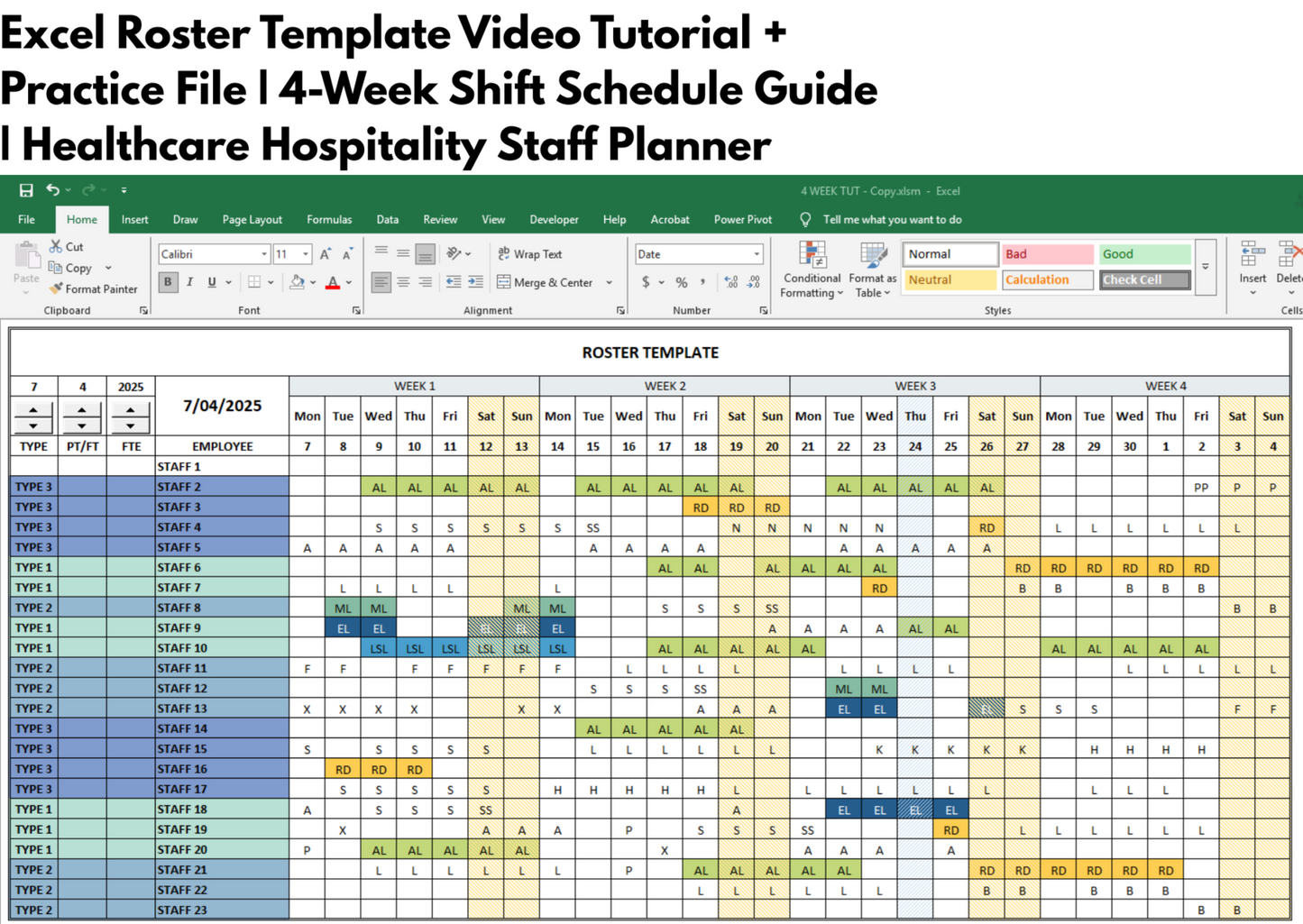
Learn how to set up and use a four-week staff roster in Excel. This learning product includes a draft workbook for practice and a PDF guide containing the link to the full video tutorial.
Looking for a finished roster template? Visit the separate 4-week Excel staff roster, or try the free version for three employees.
✅ Key Features:
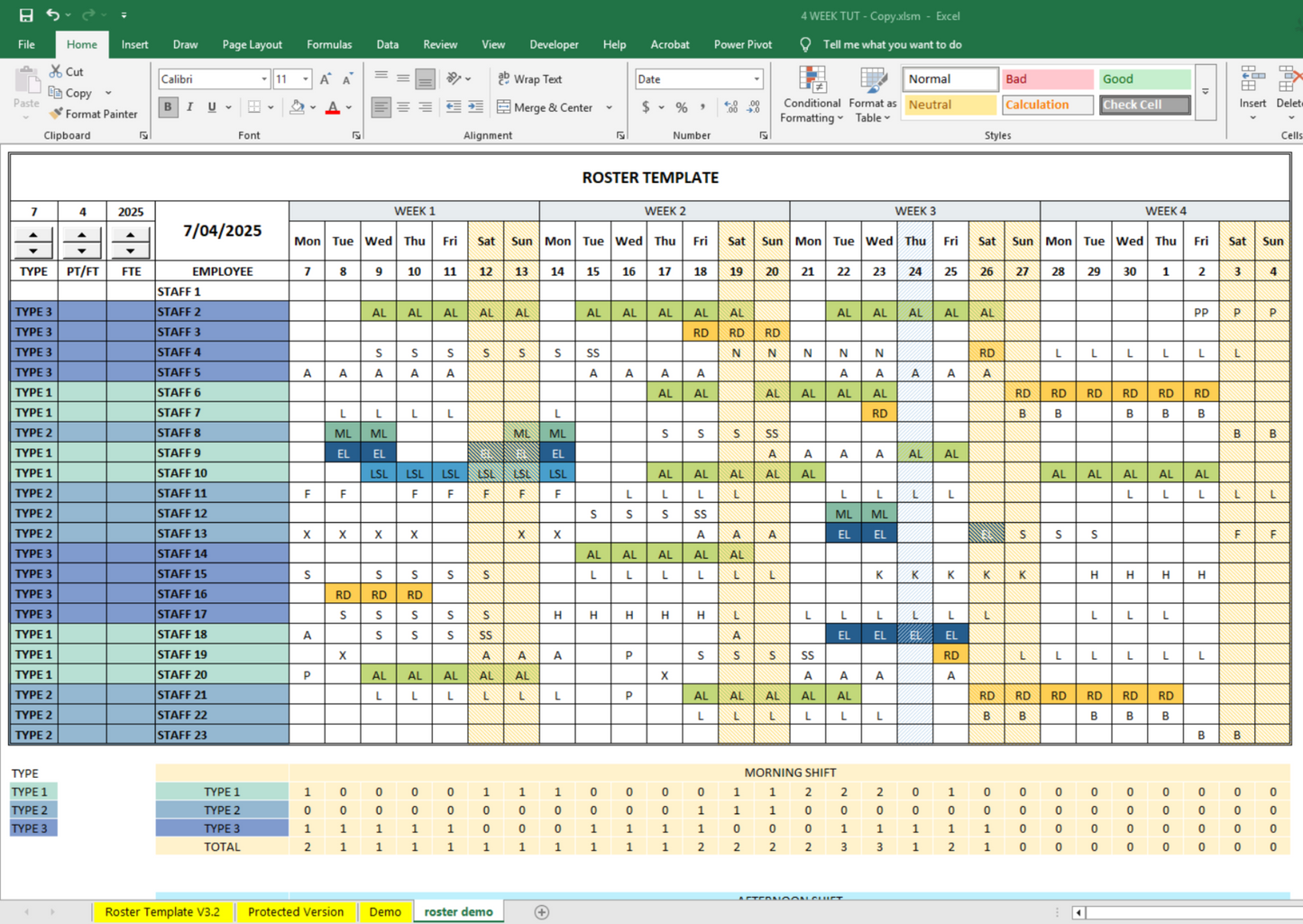
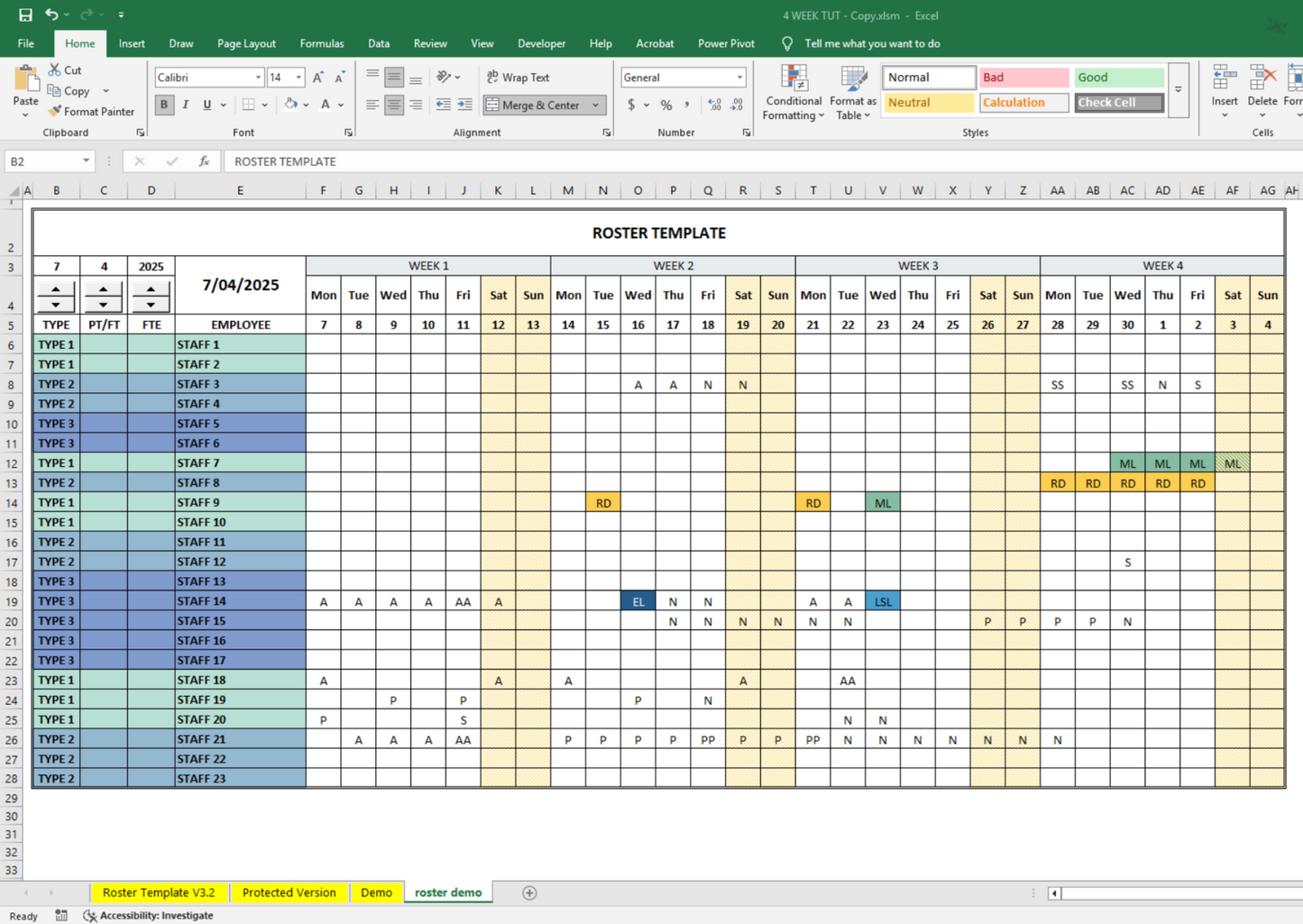
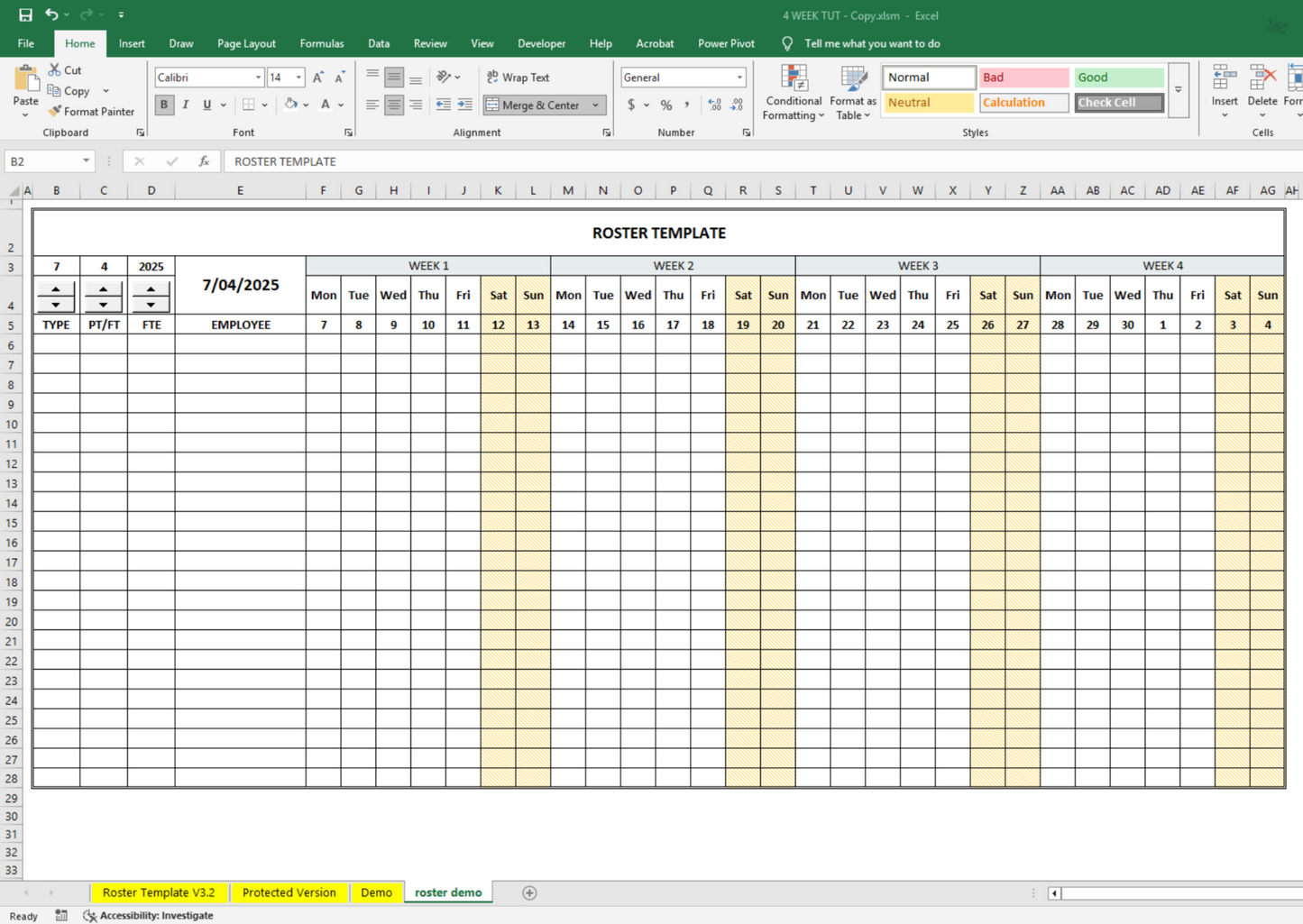
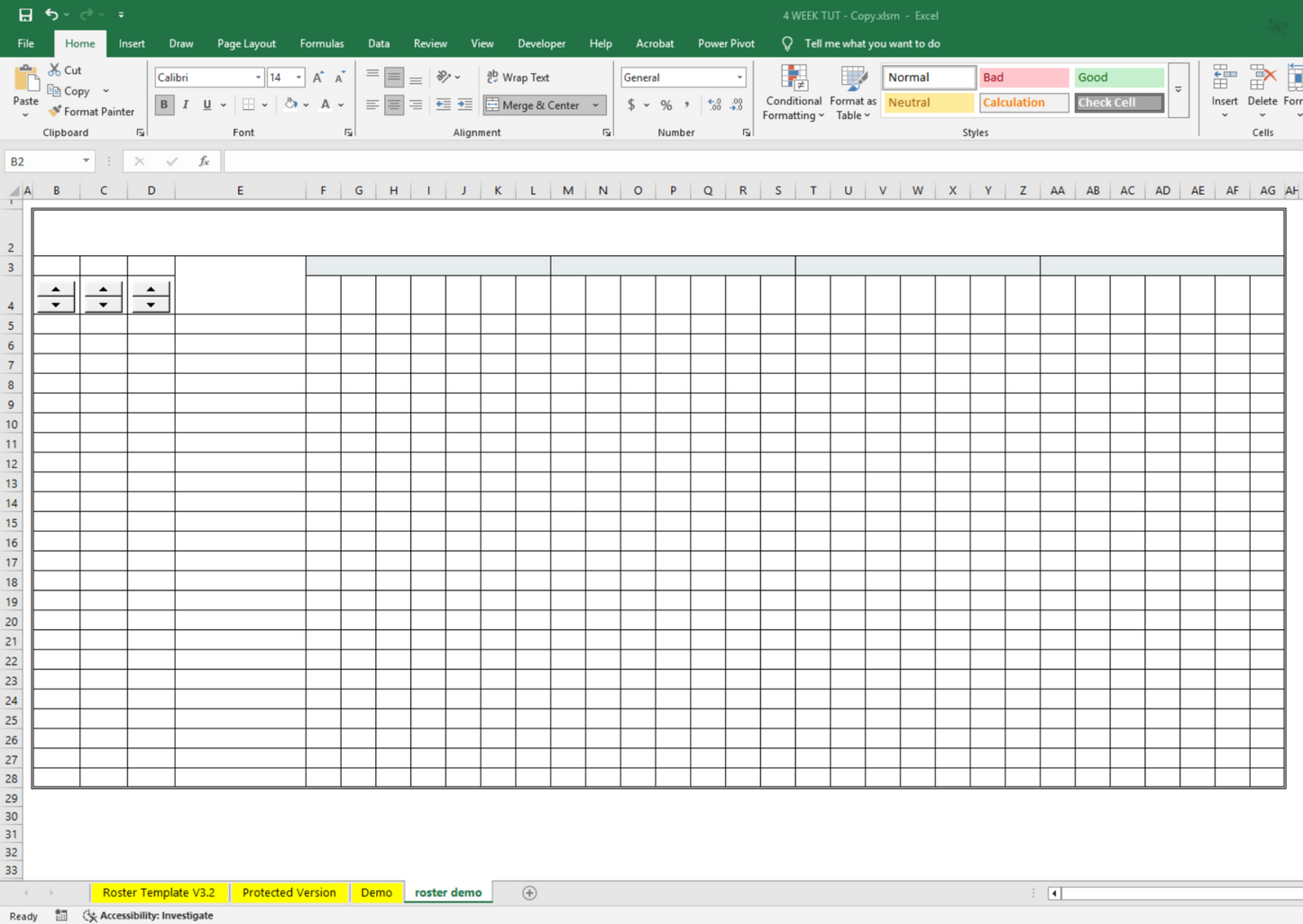
Four-week roster practice
Follow the tutorial using the included draft four-week workbook.
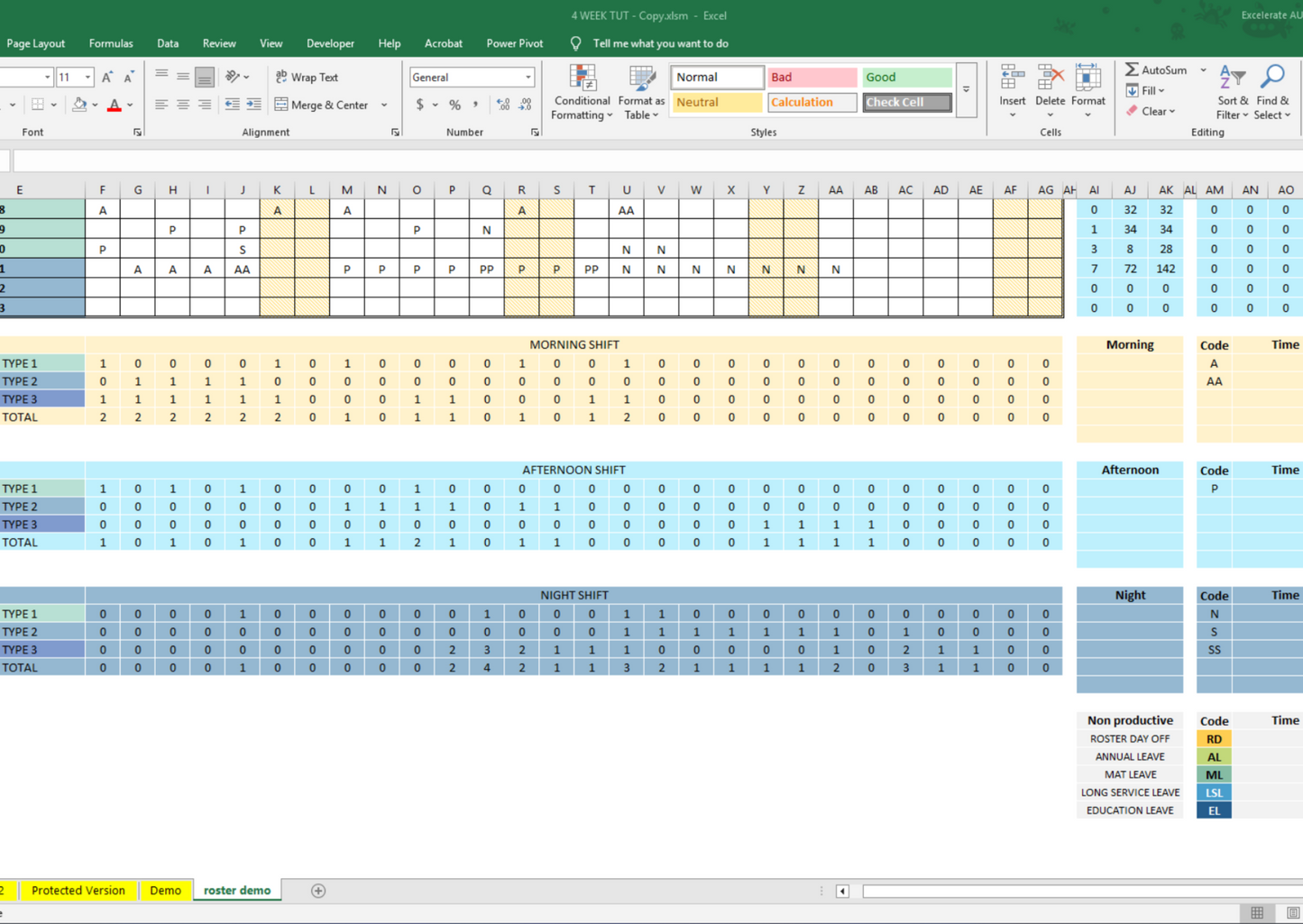
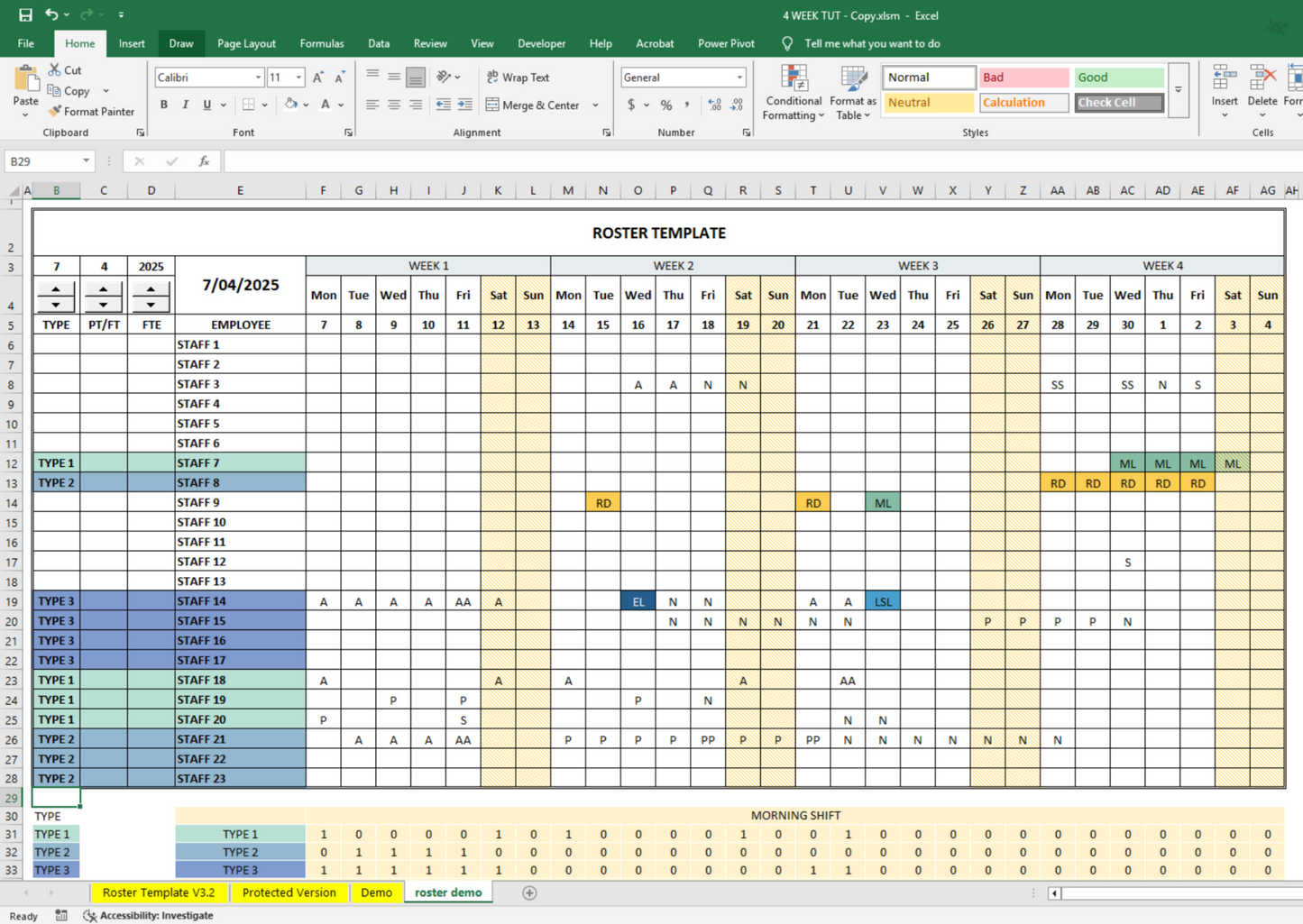
🎨 Customizable Shift Codes & Color Themes
Visually separate AL, SL, maternity leave, or other non-productive shifts with color-coded options.
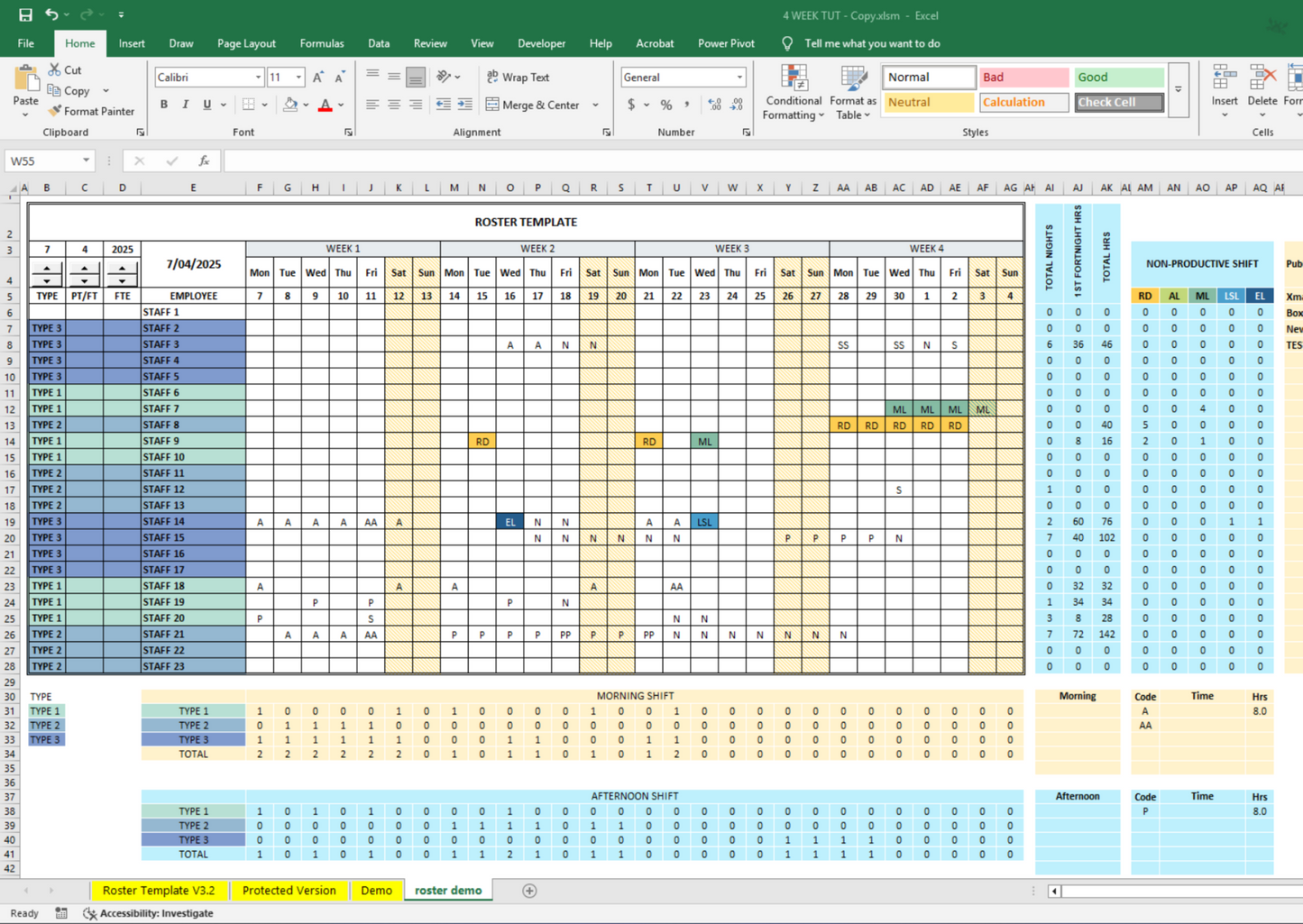
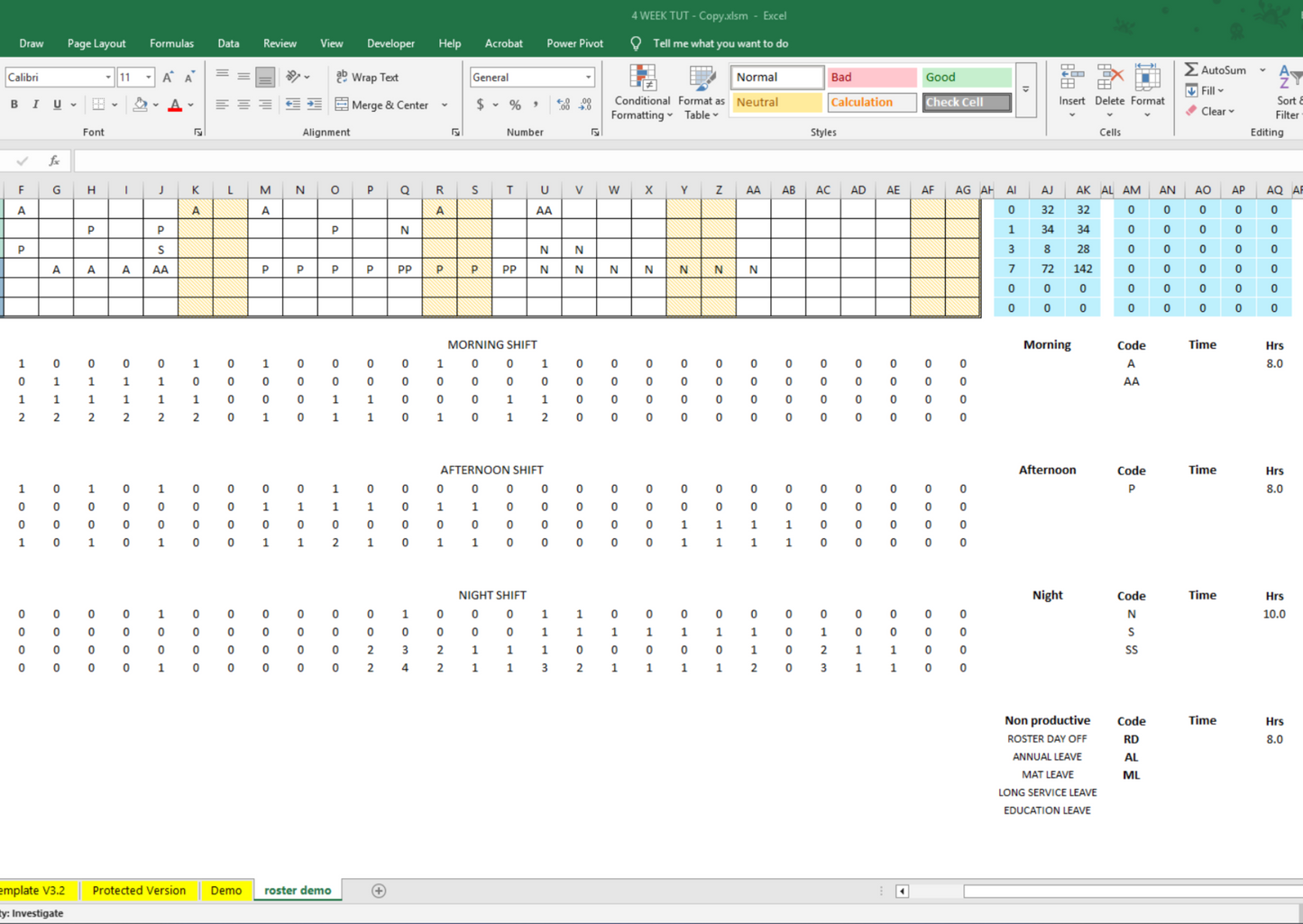
🧠 Skill Mix & Shift Count Tracking
Monitor AM, PM, and Night shifts. View real-time headcounts to ensure proper staffing levels.
🔢 Automatic Work Hour Calculations
Easily track daily work hours per employee and total assigned hours.
🧑💼 Employee Types & Grade Planning
Allocate employees by team or grade and calculate FTE (Full-Time Equivalent) per group.
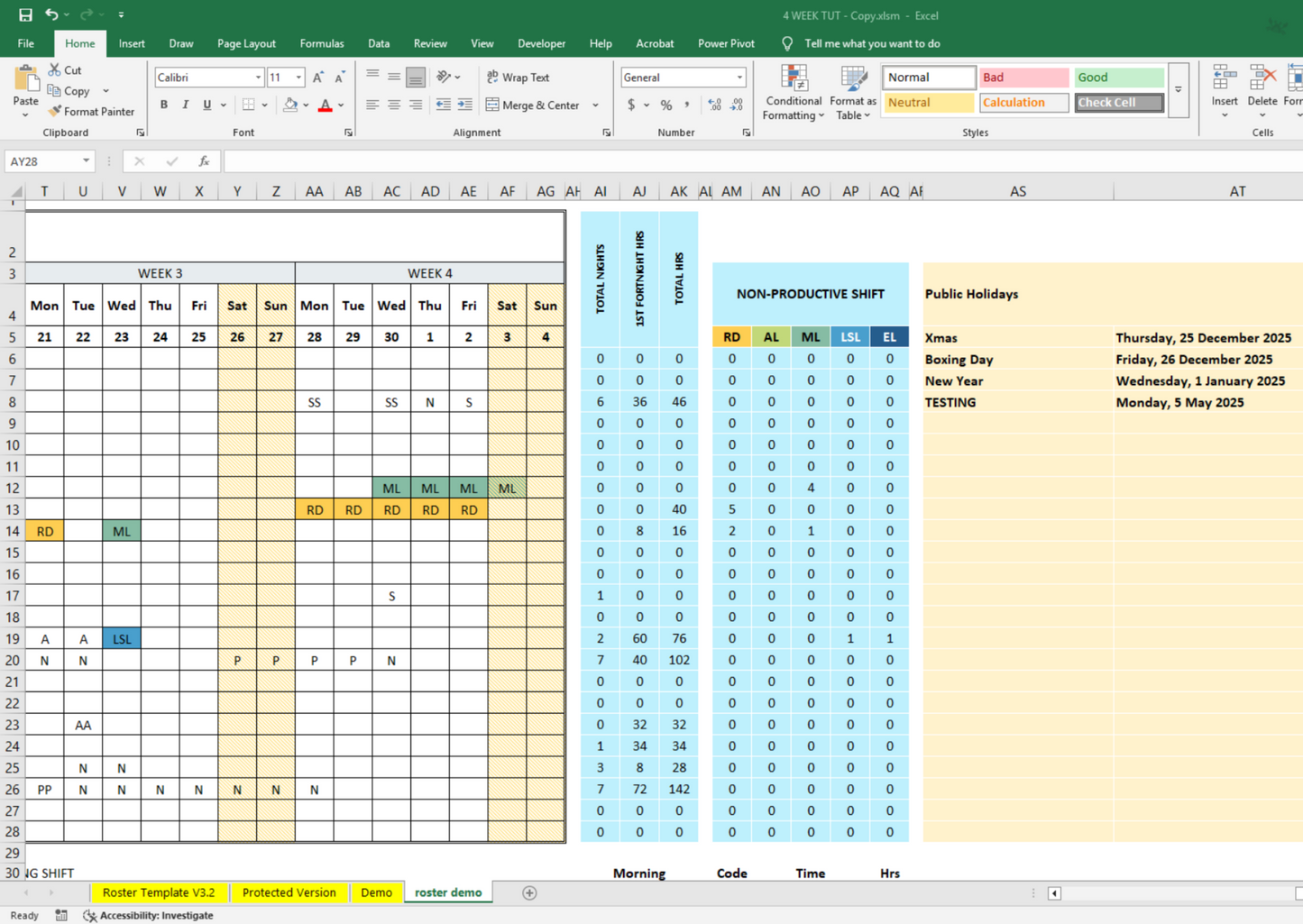
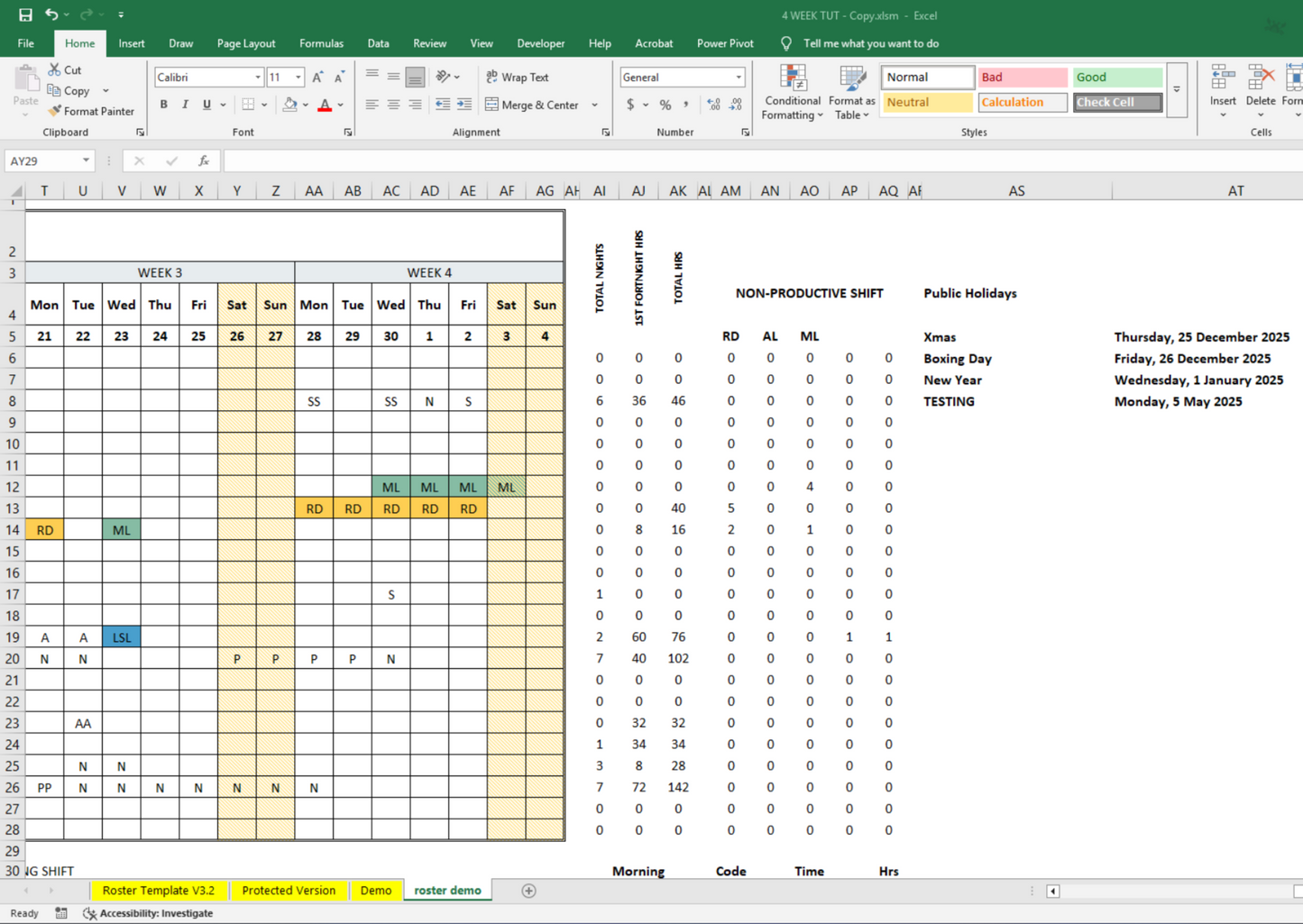
📊 Staff Summary Dashboard
- Track total night shifts
- View non-productive shift tallies
- Monitor shift totals per person
🔄 Rotating Shift Support
Ideal for weekly, fortnightly, or monthly rotation setups.
🖥️ User-Friendly Interface
Designed for quick edits, print-ready outputs, and easy sharing.
🌐 Versatile & Cross-Industry Use
Perfect for clinics, restaurants, salons, warehouses, support teams, and any business with rotating shifts.
📦 What’s Included:
Perfect For
- Workforce planners
- HR managers
- Hospitality and retail supervisors
- Healthcare team coordinators
FAQ
Q: How do I access the video tutorial?
You’ll receive a PDF with a secure link to the full tutorial immediately after purchase.
Q: Can I customize the template?
Yes—shift codes, colors, and layout are fully editable.